ChatGPT / 4 min
ChatGPT image generation prompts: write a one-image brief for social, blog, and deck visuals
A practical ChatGPT image generation prompt guide for turning social posts, blog hero images, and deck covers into clear image briefs with subject, layout, text limits, and avoid rules.
Watch on YouTube
BananaNL in 1 minute
A quick look at how selected prompts move into NotebookLM and AI Chat input fields.
Watch on YouTubeBefore asking for a nice image, split the brief
People searching for ChatGPT image generation prompts often do not need a longer magic prompt. They need a stable way to ask for images without losing the subject, layout, text amount, or use case.
A useful pattern is to write a small production brief before generating. Separate use case, main subject, composition, colors, allowed text, and what to avoid. That makes ChatGPT outputs easier to reuse in real work.
Once an image prompt pattern works, keeping it near the input field is easier than searching, copying, and pasting it again.
What to decide first
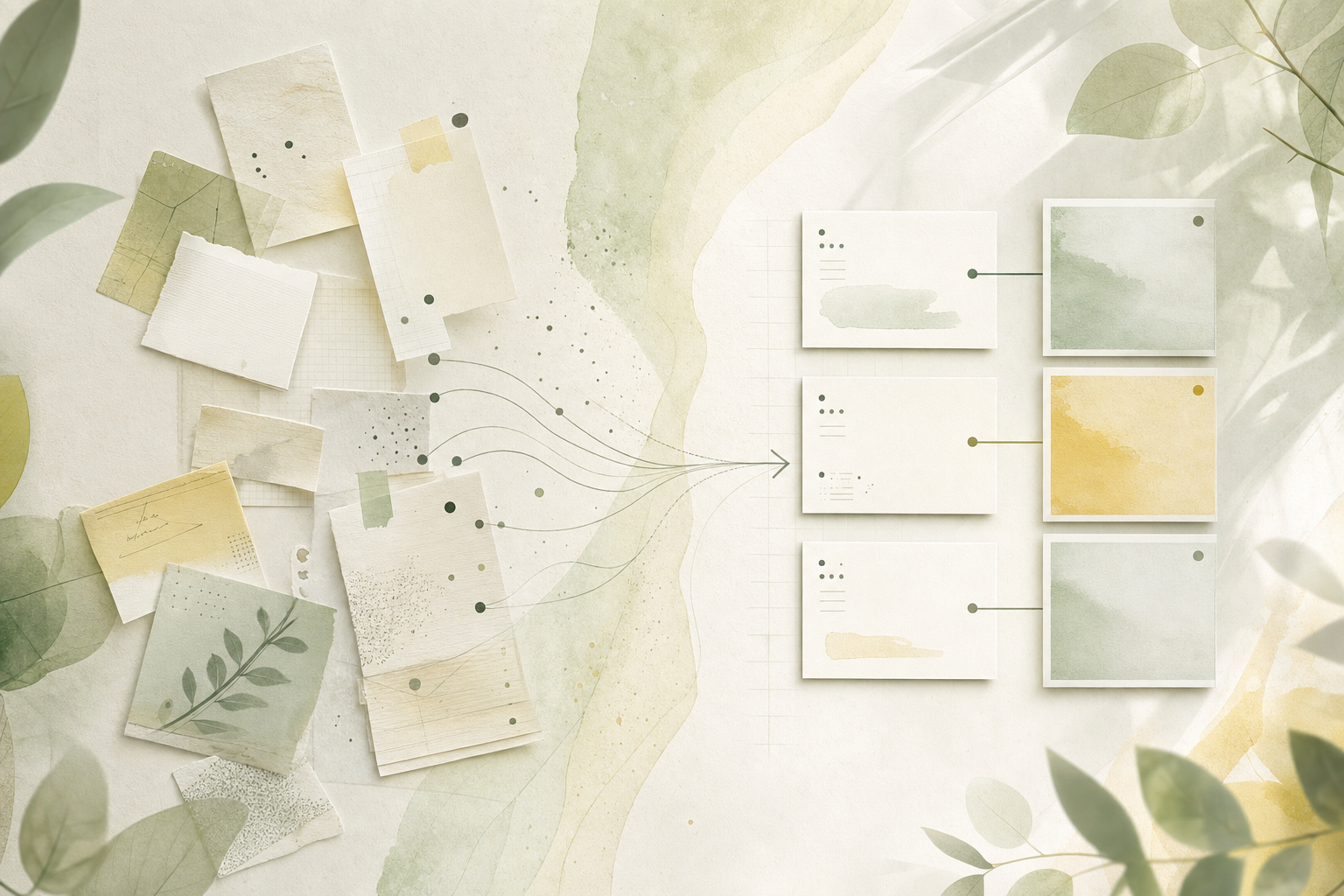
- Name the use case in one line. A social post, blog hero, and deck cover need different spacing and text limits.
- Choose one main subject. Fix what the viewer should notice first: a person, product, abstract icon, or screen-like visual.
- Specify composition and empty space. Centered subject, left-side title space, or top header space changes whether the image is usable later.
- Add avoid rules. Limit tiny text, overly busy decoration, exaggerated faces or hands, and anything that usually makes the image harder to use.
Four elements to include first
Where this pattern works well
| Social announcement | When the idea must be readable quickly in a feed. |
|---|---|
| Blog hero image | When you need theme clarity plus room for a headline. |
| Deck cover | When the visual should feel calm enough for a meeting or proposal. |
| Ad rough | When you want to compare directions before polishing one image. |
ChatGPT image prompts to try
Social announcement image
Create a one-image social announcement for this content. Put one clear subject in the center, use a bright but clean background, include only one short headline, and keep generous spacing so it is readable on a phone. Avoid overly busy decoration and tiny text.
It fixes the use case, subject, text amount, and avoid rules in one prompt.
Blog hero image brief
Write an image generation brief for a blog hero on this theme. Leave empty space on the left for a headline, place a simple theme visual on the right, use calm colors, and generate without text. Also list three things to avoid.
It protects headline space and avoids unreadable generated text.
Calm deck cover image
Create a calm deck cover image for this proposal. Use a business-friendly tone, wide spacing, abstract icons, soft light, and only two or three colors. Do not include faces or tiny unreadable text.
It keeps the image suitable for meetings instead of making it too loud.
If you keep searching for image prompt patterns, use BananaNL
The more you use ChatGPT image generation, the more prompt patterns you collect for social posts, blog visuals, and deck covers. Searching for the last wording and copying it every time becomes friction.
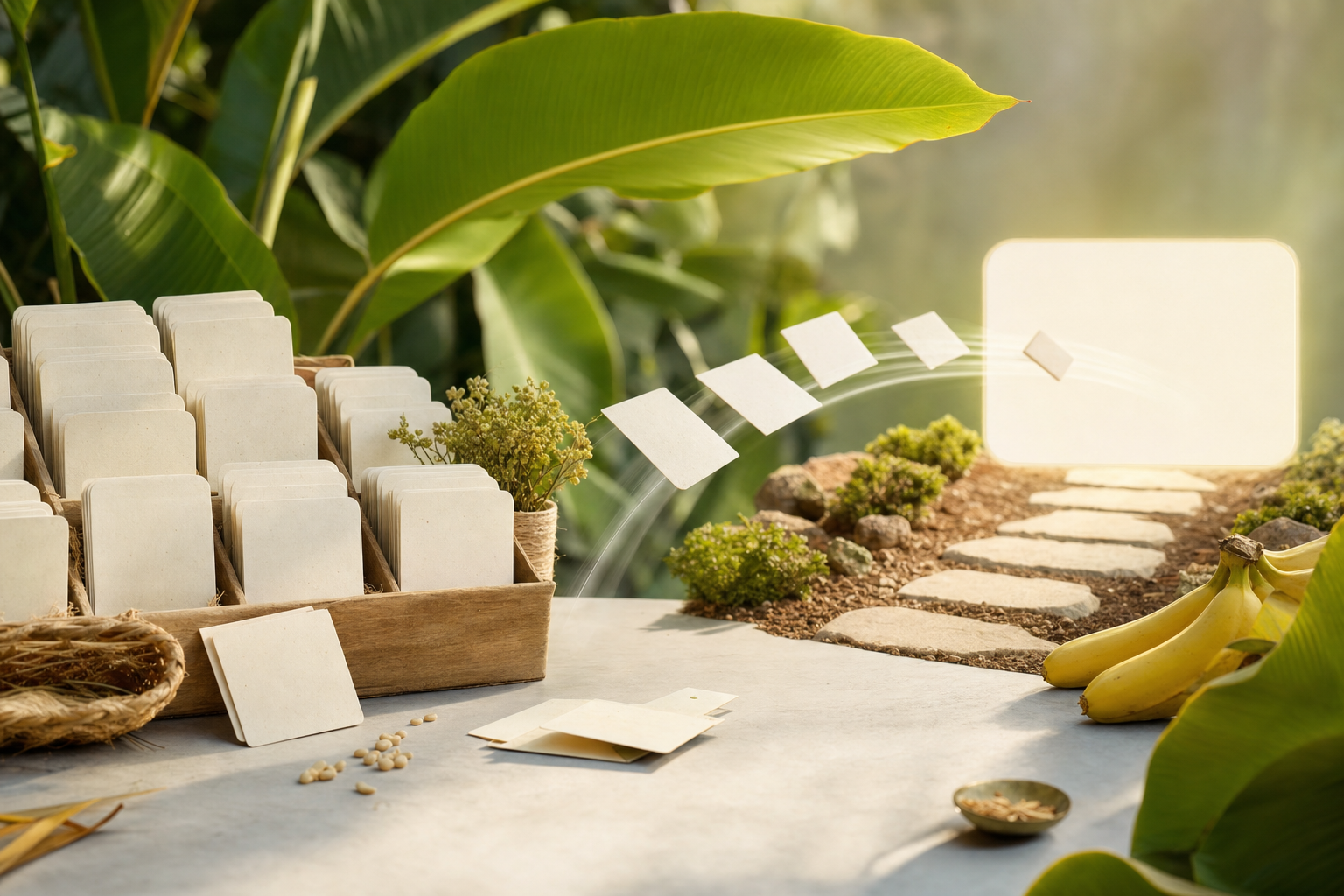
BananaNL inserts selected prompts into AI Chat input fields such as ChatGPT, Gemini, and Grok. It does not auto-send, so you can review and adjust before generating. NotebookLM use starts free, while AI Chat integrations are paid features.
FAQ
What should I write first in a ChatGPT image generation prompt?
Start with the use case and main subject. Where the image will be used and what should be seen first make the output more stable.
Should I ask for text inside the image?
If needed, keep it to one short headline and add an instruction to avoid tiny unreadable text.
Does BananaNL generate the image for me?
No. BananaNL only inserts the selected prompt into the input field. You decide whether to send or generate.
If searching for prompts is the hard part, use BananaNL
Prompts become useful when they are close to the input field. Use BananaNL to carry them there, then adjust before sending.