ChatGPT / 5 min
ChatGPT image generation prompts that describe mood precisely
A practical guide to ChatGPT image generation prompts that define composition, light, texture, color, and use case.
Watch on YouTube
BananaNL in 1 minute
A quick look at how selected prompts move into NotebookLM and AI Chat input fields.
Watch on YouTubeBreak down “make it stylish”
Image prompts often fail when the request only says stylish, cool, or natural.
A stronger prompt defines subject, composition, light, texture, color, and where the image will be used.
A reusable pattern helps non-designers find better words faster.
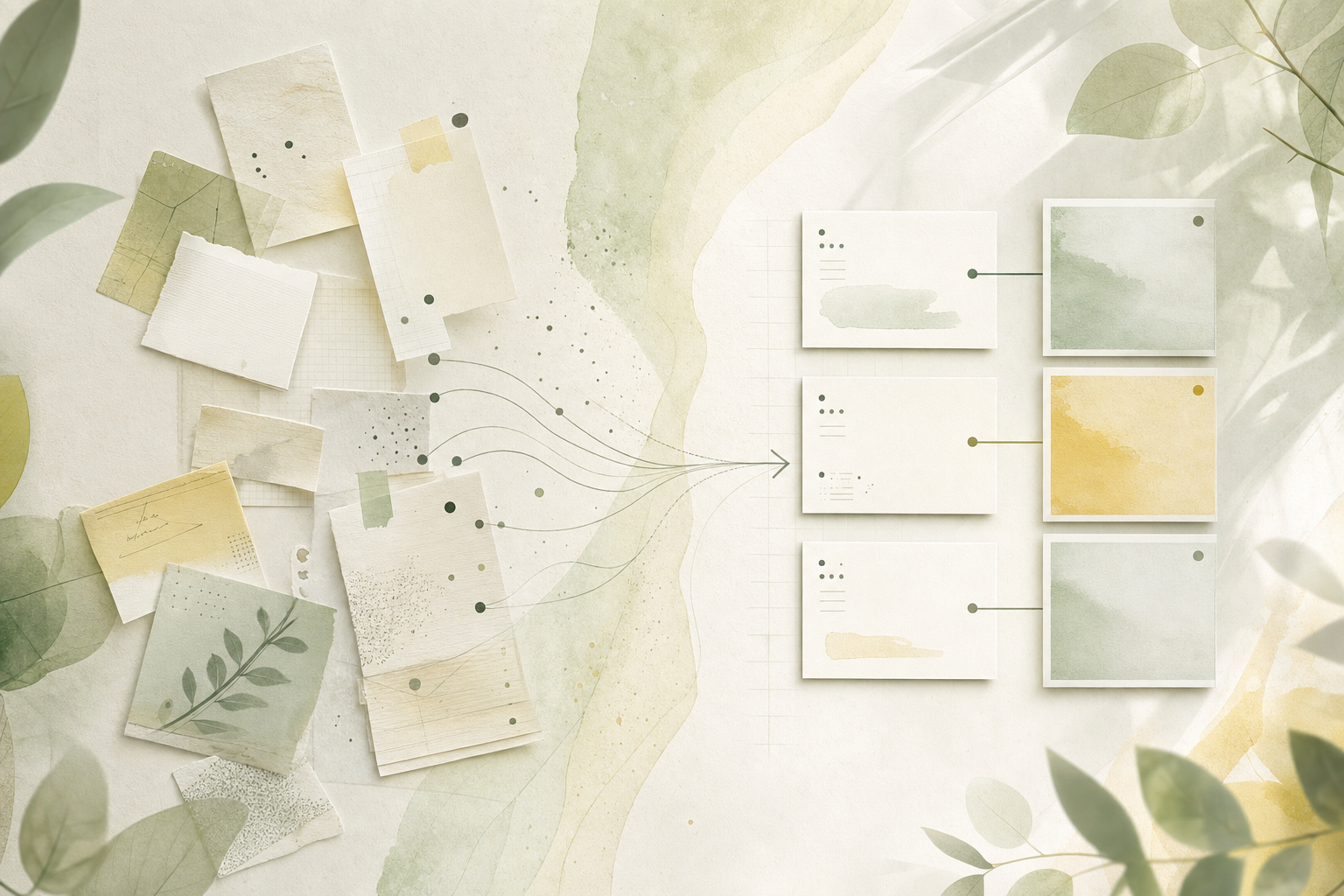
Five things to decide
- Subject
- Composition
- Light and color
- Texture
- Use case
Image prompt pattern
What each detail changes
| Composition | Space for text and eye flow. |
|---|---|
| Light | Naturalness, clarity, and product feel. |
| Texture | Photo, paper, glass, or illustration tone. |
| Avoid | Text artifacts, logos, and over-styling. |
ChatGPT image prompts to try
Blog brand photo
Create an abstract brand photo about learning AI prompts: large green leaves, natural light, white negative space, a quiet desk feeling, no text or logos, vertical crop for a blog hero.
It names the use case and leaves room for layout.
Article illustration
Show AI prompts becoming organized through abstract paper notes and soft lines. White background, small blue and yellow accents, generous space, no text.
It supports the article without becoming an ad.
If searching for prompts is the hard part, use BananaNL
Small wording changes can change image results a lot.
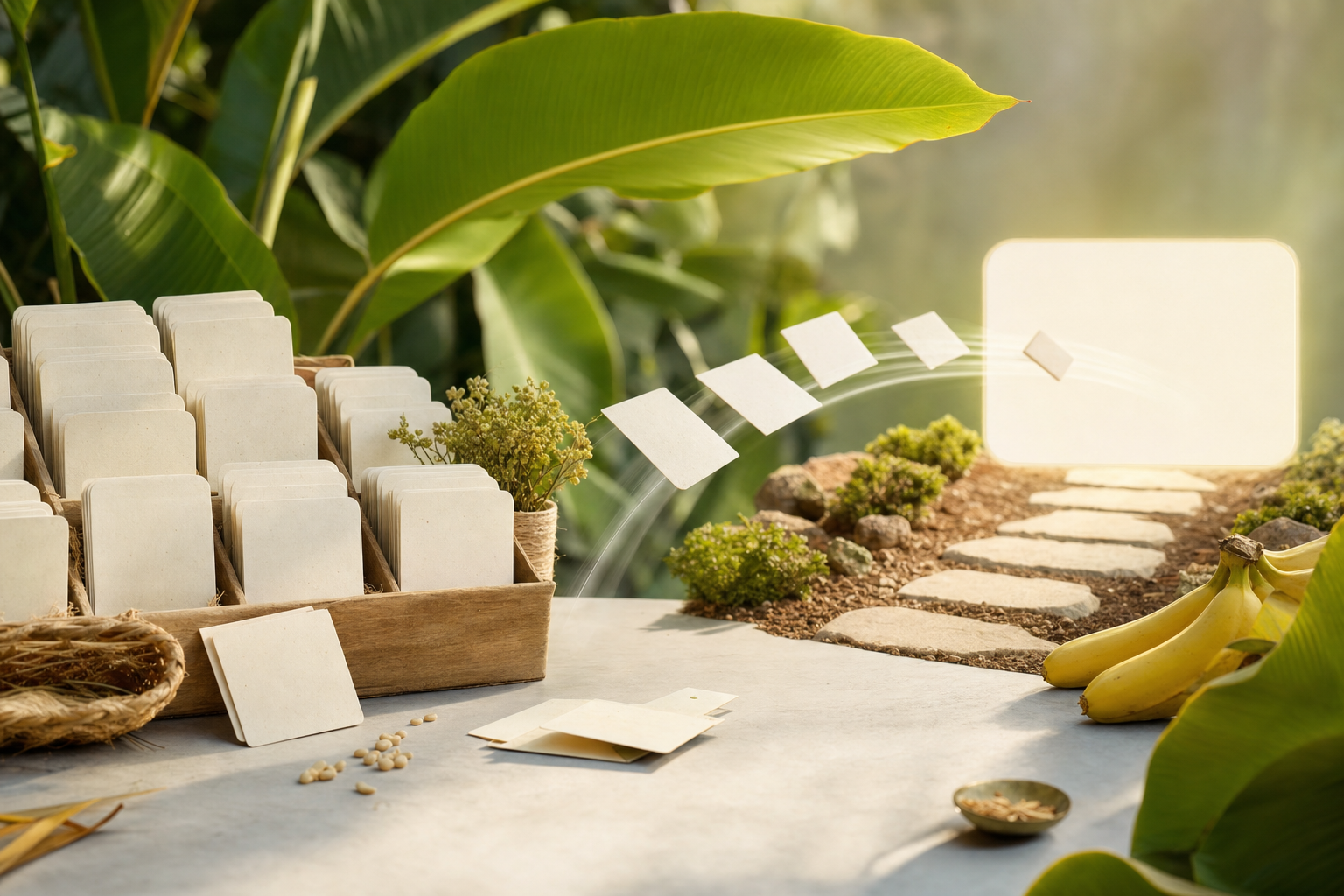
BananaNL keeps useful prompt patterns close to the AI input field. It inserts text only, so you can adjust before generating.
FAQ
What matters most in image prompts?
Composition, light, color, texture, and use case.
How do I avoid text in images?
Say no text or logos explicitly.
Does BananaNL generate images?
No. Image generation happens in each AI tool.
If searching for prompts is the hard part, use BananaNL
Prompts become useful when they are close to the input field. Use BananaNL to carry them there, then adjust before sending.